
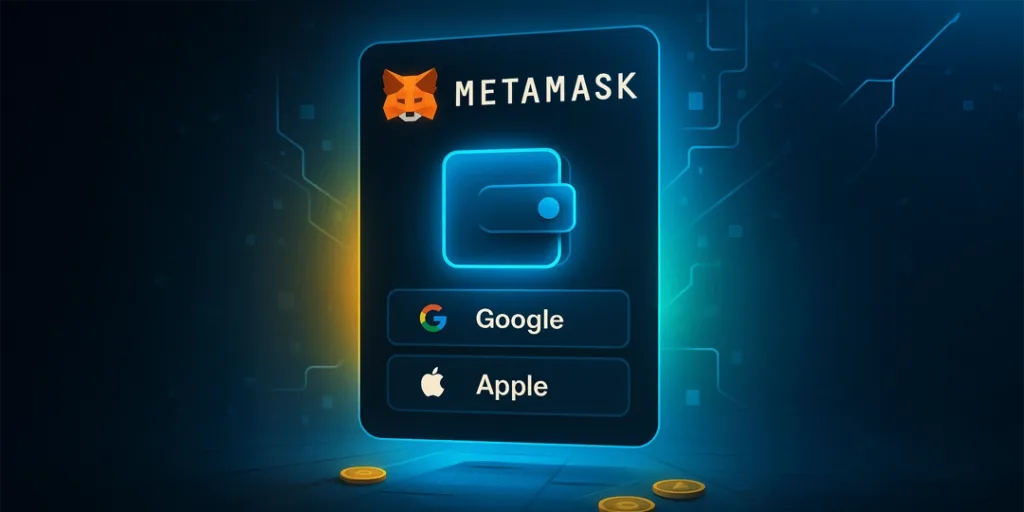

Are you tired of entering the 12-word Secret Recovery Phrase (SRP) or private keys to access your non-custodial crypto wallets? MetaMask, the most trusted cryptocurrency wallet, has come up with an easier option! The wallet now supports a social login feature designed to make access simpler and more secure. With social login, users can sign in to their MetaMask wallet using Google or Apple accounts. But don’t worry — you can still access your wallet the traditional way using private keys.
Now the discussion points to a significant question: We trust Google and Apple, and we trust MetaMask—but should we really place our full trust in these platforms, especially with MetaMask’s new social login feature? Could this development pose a threat to the decentralized nature of MetaMask? Let’s dive deeper in search of the pearls of truth.
What is MetaMask’s new social login?
Typically, to log in to your MetaMask crypto wallet, you need to enter SRPs to access your funds. However, with the social login, MetaMask simplifies the need to enter your wallet using SRPs. Now, you can sign in to your MetaMask wallet using your Apple or Google account, just like logging into Gmail or YouTube. As mentioned earlier, you can access using both socials and private keys.
What is the purpose of social logins?
You might have frequently heard experts saying, “If you lose your secret phrase or private key, you are locked out of your funds”! And, “ you should write it down and store it safely.” This pain point is what MetaMask hooked. Although the 12-word recovery phrase allows access to wallets and gives users more control and security over their assets, keeping track of the phrase can be “cumbersome,” as the executives say.
How to log in to your MetaMask wallet using a Google/Apple account?
The new feature simplifies the wallet creation and management process through these two basic steps:
- Sign in with Google or Apple ID on MetaMask
- Create a unique, secure password
Now your wallet is automatically created in the background. However, MetaMask generates a Secret Recovery Phrase, which is linked to your social account. Existing users holding a MetaMask wallet can link their social login to an existing social account.
Recovery becomes easier
If you lose your seed phrase or private key, or even your device, just use your social account and the password, and MetaMask restores your wallet.
The bright side of MetaMask’s socials
MetaMask executives clearly wrote on their website a striking truth: “Crypto doesn’t have to be complicated. That’s why we’ve made it easier than ever to manage a MetaMask wallet with our new Social login feature”.
- Simpler onboarding for new users
- Efficient backup and recovery
- Even though you log in with Google or Apple, your wallet remains self-custodial.
- You are still the owner of your wallet, and you have absolute control over private keys.
- Aligns with other web authentication trends – several platforms use a Single Sign-on (SSO) system, allowing users access to multiple platforms with just one credential.
- Mass adoption – the new feature bridges the gap between Web2 and Web3, bringing well-known social accounts.
Is MetaMask’s social login so social?
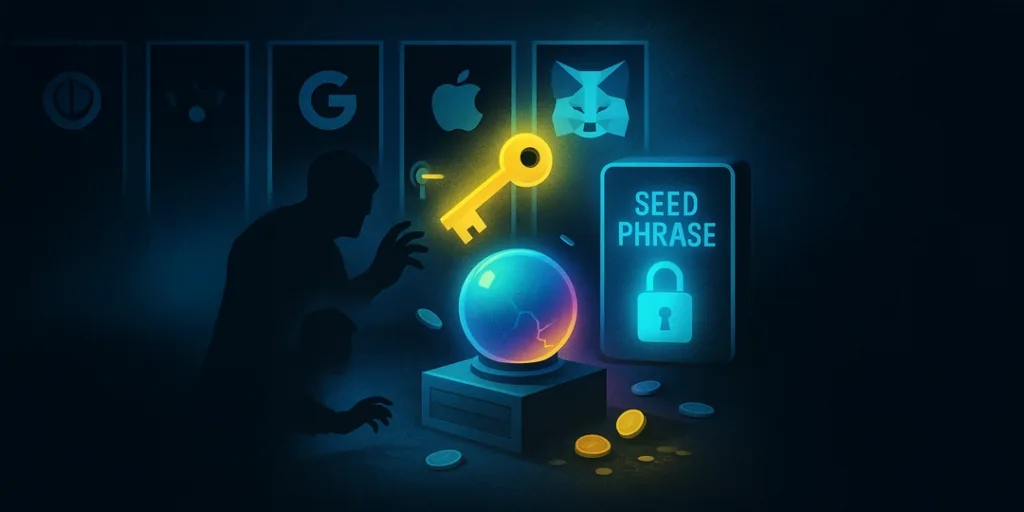
MetaMask’s social login feature is a convenience-comes-with-risk game.
- Potential risks – if hackers compromise your Google or Apple account, your funds in the MetaMask wallet could be exposed.
- Curbs decentralization – Google or Apple does not have control over your wallet, but relying on them for password or account recovery calls for centralization risks.
- Privacy concerns – The SSO system often shares your data across other services. In this case, your Google credentials can be tracked. Apple offers high protection, but still, anything can happen!
Concluding thoughts
MetaMask’s social login feature is a great advantage, cutting down the pain of writing down the long seed phrase. The crypto wallet provider internally splits your private keys into multiple pieces or ‘shards’. One piece is tied to your socials, and the other pieces of the phrase are kept separately. No single party — MetaMask, Apple, or Google can control your wallet. The new social login feature offers more convenience, but its impact on privacy remains a wait-and-see scenario.